- 1. 概要
- 2. 共通事項
- 3. カスタマイズ前後
1. 概要

 基本的な操作やカスタマイズ方法について、記述します。

2. 共通事項

 「spectrwm」の共通的な操作やカスタマイズ方法については、「spectrwm - 共通事項」をご参照ください。
 本プラットフォームでは、以下の項目を適用しました。

	・定義
	・自動起動
	・メニュー
	・フローティングウィンドウ
	・フォント
	・壁紙(背景)
	・画面キャプチャ

 まず、覚えておくべきキーを記述しておきます。
 mod は Alt で答えます。

	・mod+Shift+Enter	端末を開く
	・mod+x			アクティブウィンドウを閉じる
	・mod+Shift+q		ログアウト

 最初に、ユーザ定義ファイルを作成します。


cp /etc/spectrwm.conf ~/.spectrwm.conf


 デフォルトでは、「total exeptions: 1, first exeption: could not find xlock」というエラーが発生しますので、それを抑制し。
 解像度、キーボードレイアウト設定を行います。
 ログインユーザで。


cat << EOF >> ~/.spectrwm_start.sh
#!/bin/sh

run()
{
  if ! pgrep $1 ;
  then
    \$@&
  fi
}

VBoxClient-all
xrandr -s 1366x768
setxkbmap -layout jp
EOF

chmod +x ~/.spectrwm_start.sh

cat << EOF >> ~/.spectrwm.conf
program[lock] = /bin/true
autorun = ws[1]:~/.spectrwm_start.sh
EOF


 壁紙の取得。
 「root」ユーザ権限で。


mkdir -pv /usr/share/wallpapers
cd /usr/share/wallpapers
curl -O -L https://raw.githubusercontent.com/dharmx/walls/main/evangelion/a_green_background_with_a_hole_in_the_middle.jpg


 壁紙設定。
 ログインユーザで。


cat << 'EOF' >> ~/.spectrwm_start.sh
feh --bg-scale /usr/share/wallpapers/a_green_background_with_a_hole_in_the_middle.jpg
EOF


3. カスタマイズ前後

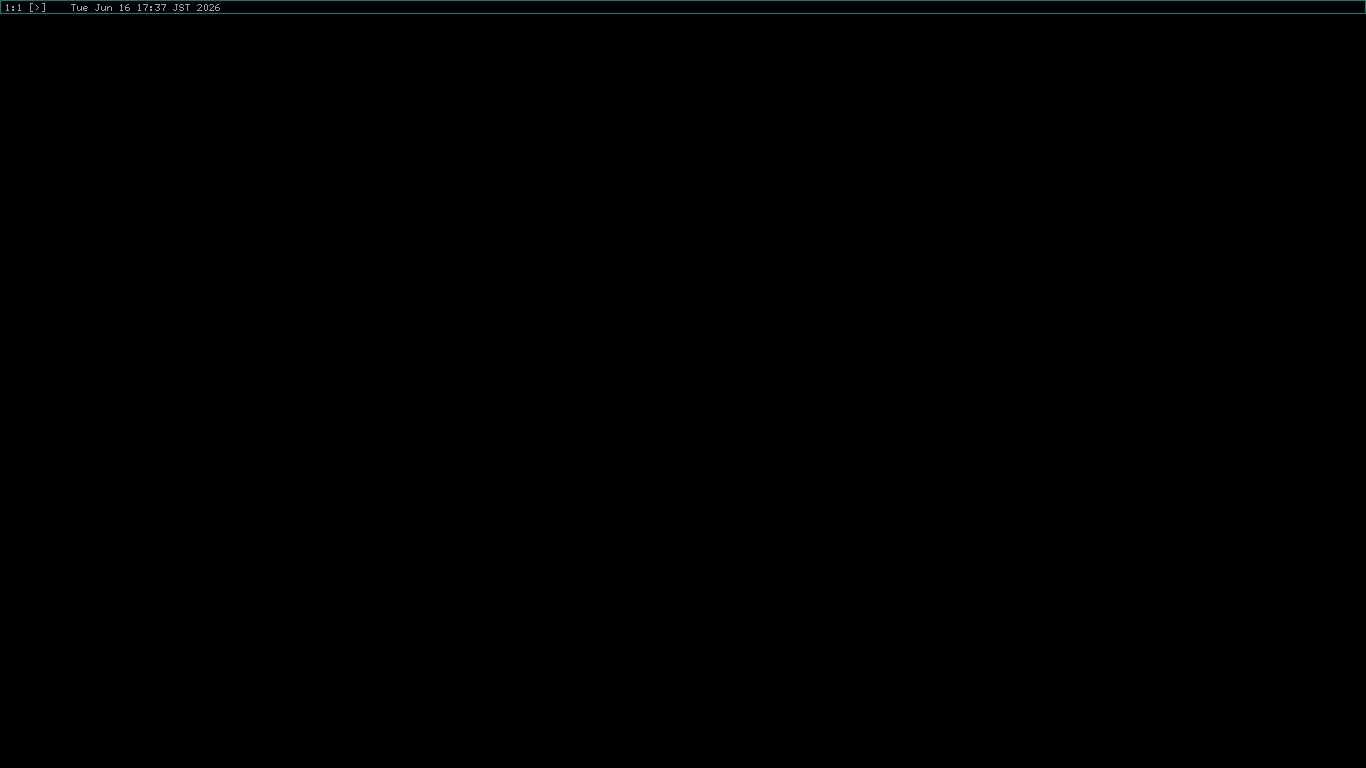
 デフォルトのデスクトップです。
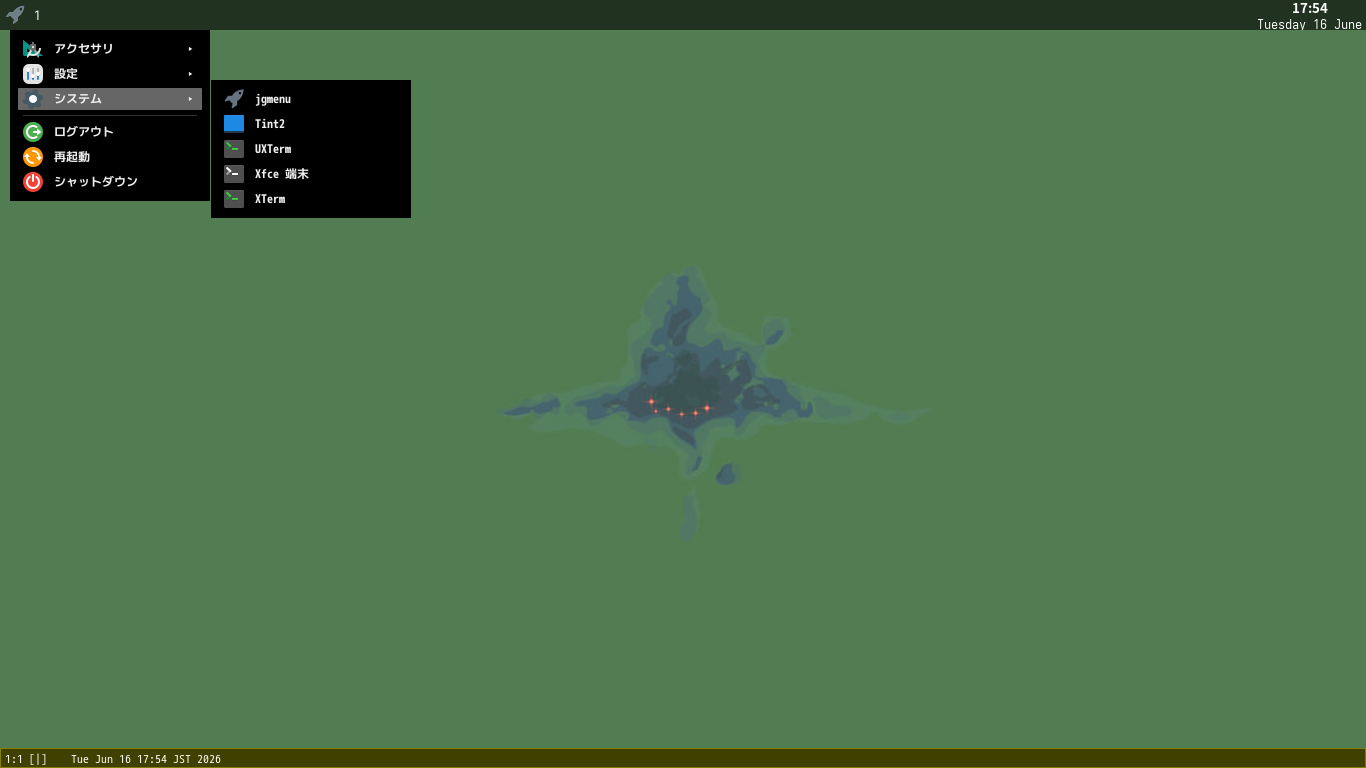
カスタマイズ後のデスクトップ・メニューです。
|
|