1. 概要

 オフィススイートとして、「LibreOffice」を使用します。

2. インストール

 「root」ユーザ権限で。


dnf install -y libreoffice libreoffice-langpack-ja


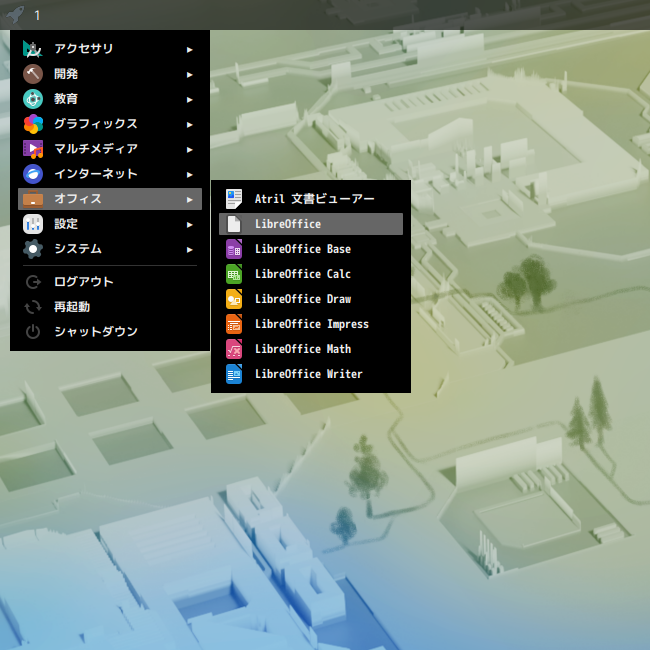
 「LibreOffice Start Center」がメニューに表示されないので。
 「root」ユーザ権限で。


vi /usr/share/applications/libreoffice-startcenter.desktop


 下記を「true」から「false」へ変更します。


NoDisplay=true


3. 起動

 「スタート」→「オフィス」→「LibreOffice Start Center」
dnf install -y libreoffice libreoffice-langpack-ja
vi /usr/share/applications/libreoffice-startcenter.desktop
NoDisplay=true
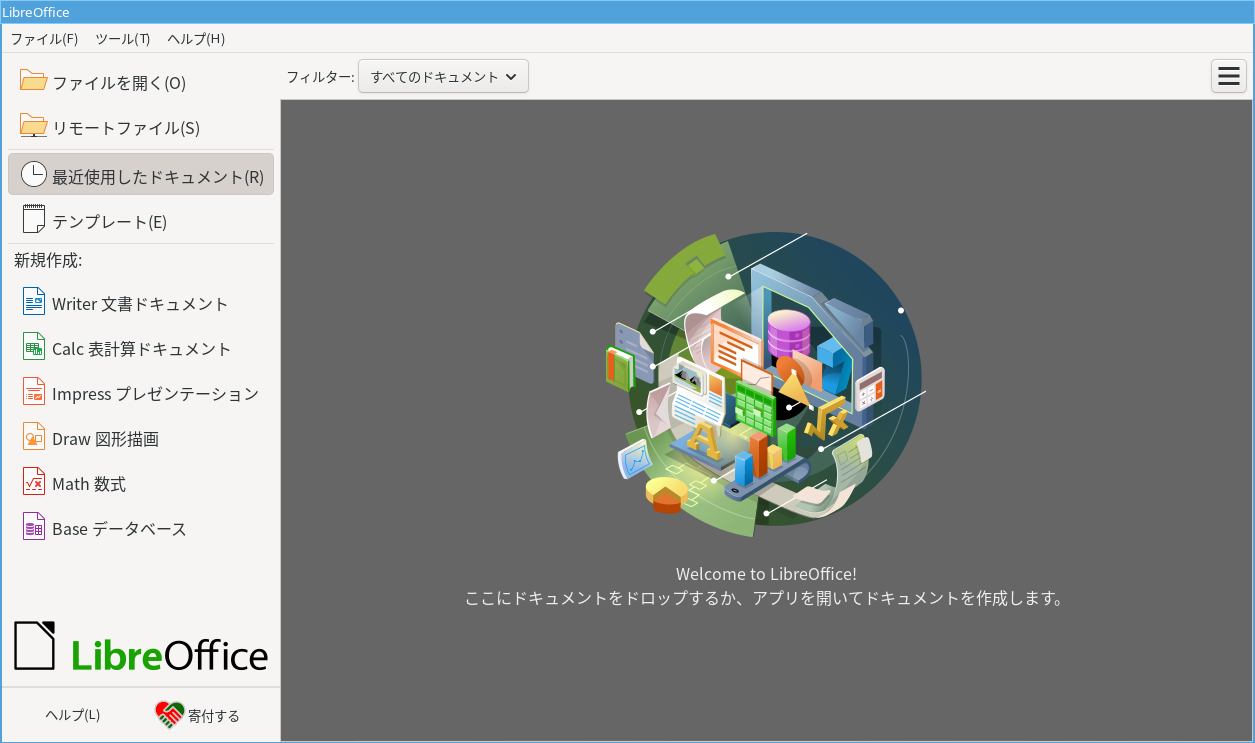
起動直後の状態です。
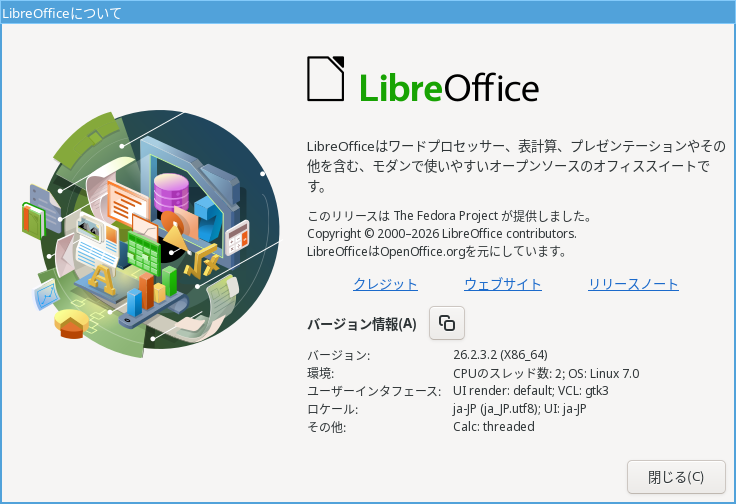
2025年11月4日の時点で、下記のバージョンでした。
操作方法等については「オフィススィート LibreOffice」をご参照ください。