ここまでの時点で、システムインストールと「VirtualBox Guest Additions」の設定は終わっているものとします。
 ぞれぞれのインストール・設定に関しては

	「FreeBSD - デスクトップ環境構築 - 共通事項 - システムインストール」
	「FreeBSD - デスクトップ環境構築 - 共通事項 - VirtualBox Guest Additions」

 をご参照ください。

2. インストール


pkg install -y xorg numlockx ja-font-migmix


pkg install -y sddm sddm-freebsd-black-theme cursor-neutral-white-theme


pkg install -y bspwm urxvt-font-size


 最終行の、「bspwm」のインストールは、一瞬で終わります。
 バージョンの推移です。

	・2020年 6月26日	「FreeBSD 12.1 RELEASE」	「0.9.9」
	・2020年11月16日	「FreeBSD 12.2 RELEASE」	「0.9.10」
	・2021年 6月24日	「FreeBSD 13.0 RELEASE」	「0.9.10」
	・2021年12月22日	「FreeBSD 12.3 RELEASE」	「0.9.10」
	・2022年 5月26日	「FreeBSD 13.1 RELEASE」	「0.9.10」
	・2022年12月22日	「FreeBSD 12.4 RELEASE」	「0.9.10」
	・2023年 5月15日	「FreeBSD 13.2 RELEASE」	「0.9.10」
	・2024年 1月19日	「FreeBSD 14.0 RELEASE」	「0.9.10」
	・2024年 3月18日	「FreeBSD 13.3 RELEASE」	「0.9.10」
	・2024年 6月12日	「FreeBSD 14.1 RELEASE」	「0.9.10」
	・2024年10月11日	「FreeBSD 13.4 RELEASE」	「0.9.10」
	・2024年12月16日	「FreeBSD 14.2 RELEASE」	「0.9.10」
	・2025年 4月 4日	「FreeBSD 13.5 RELEASE」	「0.9.10」
	・2025年 6月23日	「FreeBSD 14.3 RELEASE」	「0.9.10」
	・2025年12月17日	「FreeBSD 15.0 RELEASE」	「0.9.11」
	・2026年 4月 4日	「FreeBSD 14.4 RELEASE」	「0.9.12」

 2026年6月22日の時点で「bspwm」のバージョンは、下記の通りでした。


bspwm -v


0.9.12


3. SDDM カスタマイズ

 「sddm」のカスタマイズ方法については、「デスクトップ環境構築 - 共通事項 - ログインマネージャ - SDDM」をご参照ください。

4. .desktop ファイルの作成

 ログイン時に有効となるよう、「.desktop」ファイルを作成します。
 「root」ユーザ権限で。


mkdir -pv /usr/local/share/xsessions

cat << 'EOF' >> /usr/local/share/xsessions/bspwm.desktop
[Desktop Entry]
Name=bspwm
Comment=A lightweight window manager for the X Windowing System
Exec=bspwm
Terminal=false
TryExec=bspwm
Type=Application
EOF


5. ユーザ用初期化ファイルの作成

 「root」ユーザ権限で。


cat << 'EOF' >> /etc/profile
export LC_ALL="ja_JP.UTF-8"
export LANGUAGE="ja_JP.UTF-8"
export LANG="ja_JP.UTF-8"
EOF

cat << 'EOF' >> /etc/csh.cshrc
setenv LC_ALL   "ja_JP.UTF-8"
setenv LANGUAGE "ja_JP.UTF-8"
setenv LANG     "ja_JP.UTF-8"
EOF

cat << 'EOF' >> /usr/share/skel/dot.xsession
#!/bin/sh
#
setxkbmap -layout jp
numlockx on
EOF

chmod +x /usr/share/skel/dot.xsession

mkdir -pv /usr/share/skel/dot.config/bspwm
cp /usr/local/share/examples/bspwm/bspwmrc /usr/share/skel/dot.config/bspwm/.
chmod +x /usr/share/skel/dot.config/bspwm/bspwmrc

mkdir -pv /usr/share/skel/dot.config/sxhkd
cp /usr/local/share/examples/bspwm/sxhkdrc /usr/share/skel/dot.config/sxhkd/.


 既存のログインユーザで。
 (新規ユーザがちゃんとこれらを作成できるのかは、試していません)


cp /usr/share/skel/dot.xsession ~/.xsession

mkdir -pv ~/.config
cp -R /usr/share/skel/dot.config/bspwm ~/.config/.
cp -R /usr/share/skel/dot.config/sxhkd ~/.config/.


6. ログインマネージャ起動

 前項までインストール・設定したものを有効にします。
 「root」ユーザ権限で。


sysrc dbus_enable=YES
sysrc sddm_enable=YES


 起動。


service dbus start
service sddm start


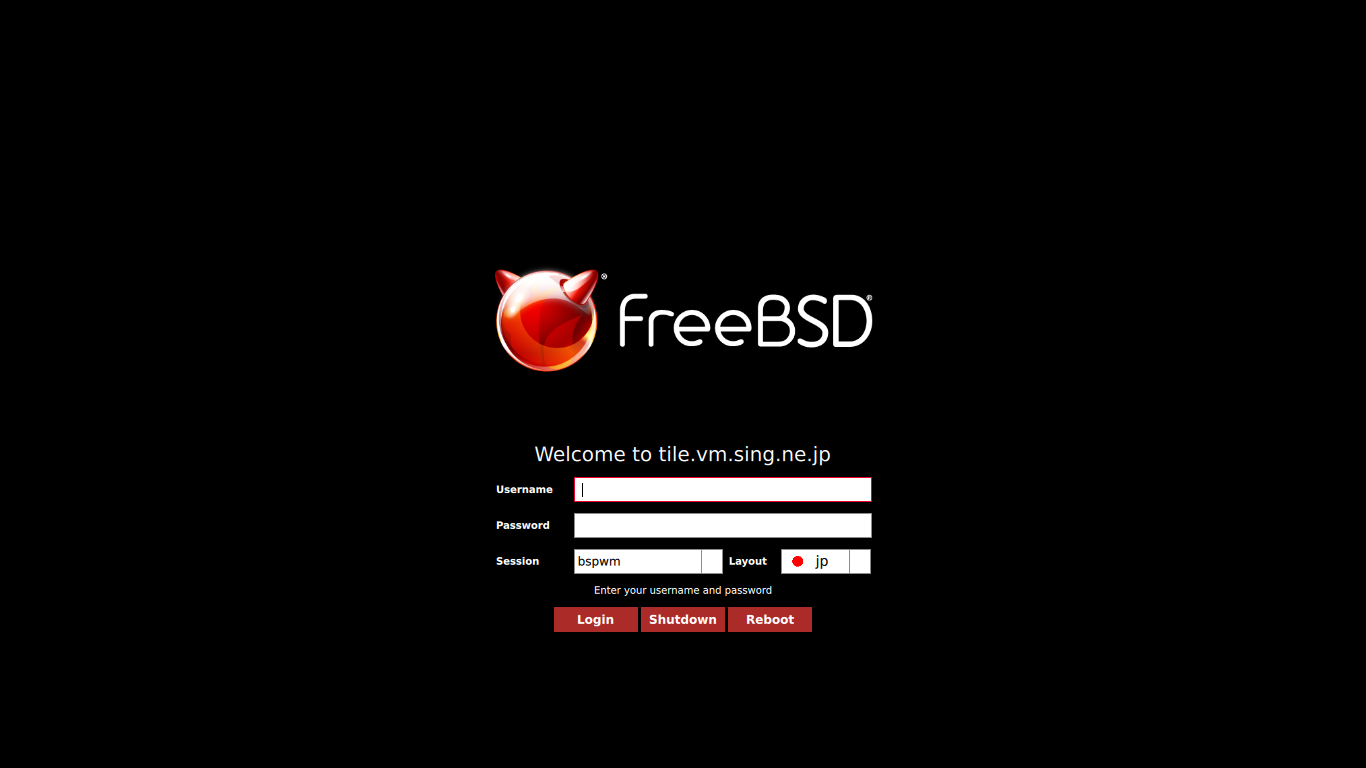
 うまく設定できていれば、ログイン画面が表示されます。
 ユーザ名・パスワードを入力してログインします。